By request, some resources to support resume writing and interview prep.
 Career Planning – Resumes + Interviews
Resume Guides:
WWU Guide for educators: http://www.wwu.edu/careers/docs/resumehandout_foreducators.pdf
BCTF Guide for new teachers: http://bctf.ca/OpportunitiesForMembers.aspx?id=5500
https://wwu.optimalresume.com/
https://careercenter.depaul.edu/_documents/resume guide for teachers final revised.pdf
Resume Samples:
http://students.ubc.ca/sites/students.ubc.ca/files/BEd – Public School Teaching – Mia Kiota.pdf
http://www.tc.columbia.edu/i/a/document/14268_ElemEd.pdf
Sample Interview Questions:
http://www.clarke.edu/page.aspx?id=7876
Career Prep/Interview prep guides:
http://www.wwu.edu/careers/docs/CareerFair_WhatToWear.pdf
http://www.wwu.edu/careers/docs/cover_letters.pdf
Framing your Responses during an interview (a couple of frameworks that might help!):
STAR Approach where ST is for Situation/Task, A is for Approach/Action, and R is for Resolution/Results. Briefly describe the problem or situation, then talk about your approach to solving/addressing it, and end with a description of the positive resolution.
SOARA Framework
- Situation: Explain a situation/problem/challenge you encountered.
- Objective: What were you trying to achieve?
- Action: Concisely describe the actions you took; what you did.
- Results: Share the positive outcome that resulted in the actions you took.
- Application: Describe the lessons you learned; what you would do next; how this helped you grow.
Remember . . .
- This is Marketing. Your resume and the interview is an opportunity to sell yourself. Don’t be arrogant but also don’t be shy. Present yourself as a self-confident and positive individual who is the best person for this position.
- Best Fit. You are also interviewing the school to an extent. This is a two way conversation not an interrogation. You want to be sure that you are going to be happy with this position too.
- Dress for Success. Look neat, professional, and friendly. Be sure that what you wear conveys that you are organized, respectful, and self-confident.
- Do Your Homework. Use the library, the Internet, ask friends and colleagues, and find out in advance about the school’s philosophy, extracurricular activities, special programs, expenditure per student, and typical class size. The more you know, the better equipped you are to ask good questions.
- Ask Yourself Why. Interviewers will ask you why you want to teach, so it’s a good idea to work this out for yourself
- Prepare your portfolio. (not necessary for early interviews of career fair) You may wish to put together a project or two that shows your strengths best. Include photos and writing samples that show your approach to curricula, cooperative learning, how you set up your room — and show them off with pride. This takes some time (better after practicum) and often you do not have time in the interview to show it. You may wish to send it along with your resume digitally depending on how application is submitted.
- Write a Thank you note.
Posted in 4-7, 8-12, Blog Posts, K-3, Not Subject Specific | Tagged with Free, inquiry, iste-3, lesson planning, library, research, resources, Teacher Use
Are you busy searching for articles and resources to complete your inquiry project or to support your lesson and unit planning? Did you know that the UBC Ed library has links to your school district’s online resources and resource catalogues? Visit the Resource tab in this blog for more info.
You can also download this handout of search tips that will help you find what you’re looking for through our library indexes and databases! Don’t get overwhelmed with too much info… learn to narrow your search to get what you want…
Resource Search Tips
Welcome to another year of learning in the Teacher Education Program! We know that it has been a very full week or so and we hope those new to Scarfe are finding their way. Here in the Library Computing Commons – SCARFE 155 – you can explore digital technologies on your own or through our ‘drop in’ workshops and sessions. Just come through the main doors of the library and walk past the circulation desk to the back. Visit our bulletin board across from TEO for info and updates and keep an eye on this blog for tips and tricks with tech and tech integration. WE WELCOME contributors. Please let us know if you wish to volunteer your time!
Facilitated by: Yvonne Dawydiak (Adjunct Teaching Professor/Seconded Teacher/Tech facilitator) and Jo-Anne Naslund (Education Librarian).
Our goal is to encourage you to explore digital technologies in a playful way so that you can make decisions as an educator about how, when, where and if you would utilize particular technologies in your context – it always depends upon your goals and learning objectives and how technology might enhance them…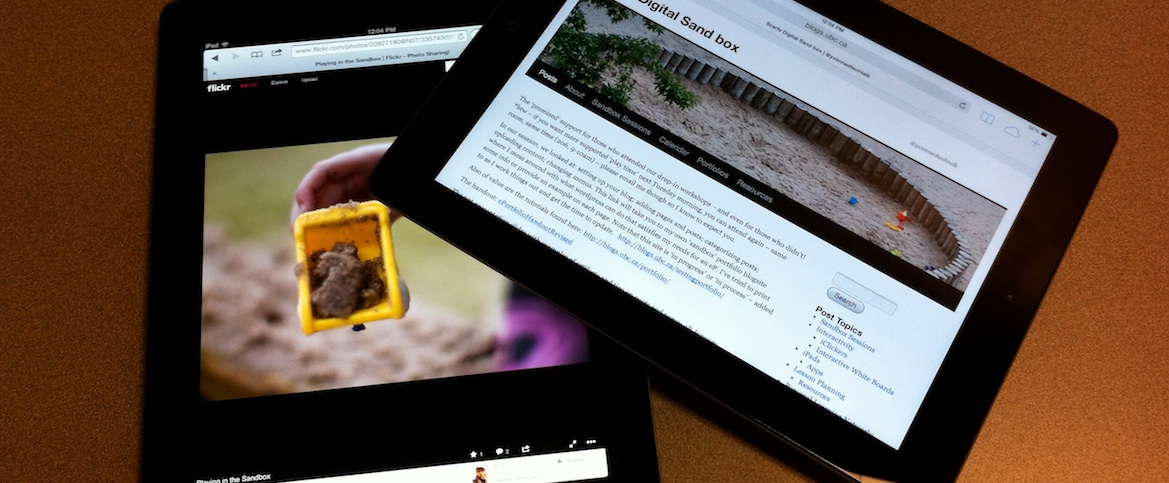
Our sessions are available to all in the Faculty of Ed: Teacher Candidates, Faculty, Staff, Grad students…
Drop by and say hello or stay and play!
Posted in 4-7, 8-12, AppliedDesignSkillsTechnologies, Blog Posts, Fine Arts | Tagged with ADST, ets, gifs, images, iste-1, iste-3, make, makerspace, multimedia, scarfe sandbox, Teacher Use, wordpress
A GIF (Graphics Interchange Format) is a file format for both animated and static images. Gif files are well-suited for the web due to the level of ‘compression’ (how small they are and how fast they load). Gif files can be ‘static’ images or animated. Consider how you might ‘perk up’ your presentations using these interactive images… or perhaps challenge a student to create their own (think ‘makerspace!)
The Gif file below was created by Brittney Merriweather (MY-SRL cohort) using http://makeagif.com/ You can use your own images or video to create an animated gif and embed the gif on your blog (as we’ve done here) or use it in your presentations. Brittney used a flikr image ( _DJ_/Flickr) to create this gif.

Have Photoshop and want to try creating your own gif? View this tutorial: Using Photoshop to create a gif.
or visit this site for a variety of options.
Posted in 4-7, 8-12, AppliedDesignSkillsTechnologies, Blog Posts, Not Subject Specific, Physical and Health | Tagged with ADST, app, ets, Language Arts, math, multimedia, personal learning networks, PLN's, scarfe sandbox
Developing a PLN through social media can enrich your practice and broaden your connections with individuals around the globe whose interests intersect with your own. PLN’s support a diverse exchange of ideas and are great for helping to build and share your knowledge! Drop by the Scarfe Digital Sandbox in room 155 on Wednesday November 13. For now, Visit the Educational Technology Guys blog for more info on creating your own PLN!

 Career Planning – Resumes + Interviews