The Learning Design Blog is a resource developed by Claire Rushton, Director TEO & Yvonne Dawydiak, Learning Design Manager. We have gathered some templates from across school districts and developed some resources with faculty to support TCs in planning for practicum.
As TCs develop their understanding of planning and begin to engage in designing learning experiences for their students and for class assignments, they may be supported with some starting points and easily accessible links related to many different aspects of planning: from indigenous perspectives to digital technology integration and assessment. While this isn’t a comprehensive resource, we have tried to source quality materials we (as former Faculty Advisors and cohort coordinators) feel will support pre-service teachers. Please remember, there is more to planning than filling boxes! Please seek support from your FA, SA or an on campus support such as a course instructor or a Scarfe Sandbox Workshop or Gearing up for Practicum consults!
As part of your journey in Teacher Education here at UBC, it is required that you critically reflect on your practice and develop a year-long inquiry into teaching and learning.
One way to record your reflections and share your inquiry is by developing professional blog or an e-portfolio. Doing so can also provide you with a strong artifact of learning and, if you choose to publish it, can provide you with the beginnings of a solid professional digital identity.
Are you looking for information on how to set up your Professional Blog or portfolio?
How to add images, video and other content?
How to adjust privacy settings and add your instructor?
For answers to these questions and more, I’ve created a ‘Blog Sandbox’ using UBC Blogs WordPress that includes some brief video tutorials. As I get new questions, I add them as posts to the FAQ section of the blog. The Site is set up much like you would set up your own Blog or eP, yet each page contains some information, tips and tricks. Feel free to email with new questions!
In selecting a platform for your blog, website or e-portfolio, it is important that you are aware that the Freedom of Information and Protection of Privacy Act (FIPPA) does not allow you to upload student work product or photographs to any American based servers. Luckily,UBC Blogsuses a Canadian housed WordPress server and, therefore, if using UBC Blogs, you will be able to utilize media that you collect on your practicum. There are still a few issues involved in protecting student privacy and permissions, but overall, using UBC Blogs will put you in a strong position to develop an attractive and meaningful resource.
TEO recommends that you use UBC Blogs/Wordpress for your professional blog as a teacher candidate in this program. Since UBC Blogs uses a Canadian WordPress server, this will eliminate issues associated with the Freedom of Information and Protection of Privacy Act with respect to American servers. *Most of the blog options online are American housed. Should TC’s choose to use a server other than UBC Blogs, they may not upload any photos of students or student work product to their blog as this would be in contravention of FIPPA. Using UBC Blogs, there are still privacy issues that need to be considered (as in ensuring you do not post recognizable photos or provide the names of your school, SA or students as this might make content in your blog more recognizable), but TC’s may upload appropriately protected photos, videos and student work product to their ePortfolios.
*There are some commonly used ePortfolio platforms in use in local school districts for K-12 portfolio assessment including FreshGrade and My Blueprint. If you’re interested in learning more about digital portfolio use in K-12, visit the post on this blog: Digital Portfolios: documenting a learning journey
If you have related questions, please feel free to comment and I’ll try to answer or help you discover the answer! View the Virtual Peer Mentor Schedule for synchronous support or for asynchronous support: use the ask a question button on this blog or post to the Navigating the BEd Program Canvas Discussion anytime.
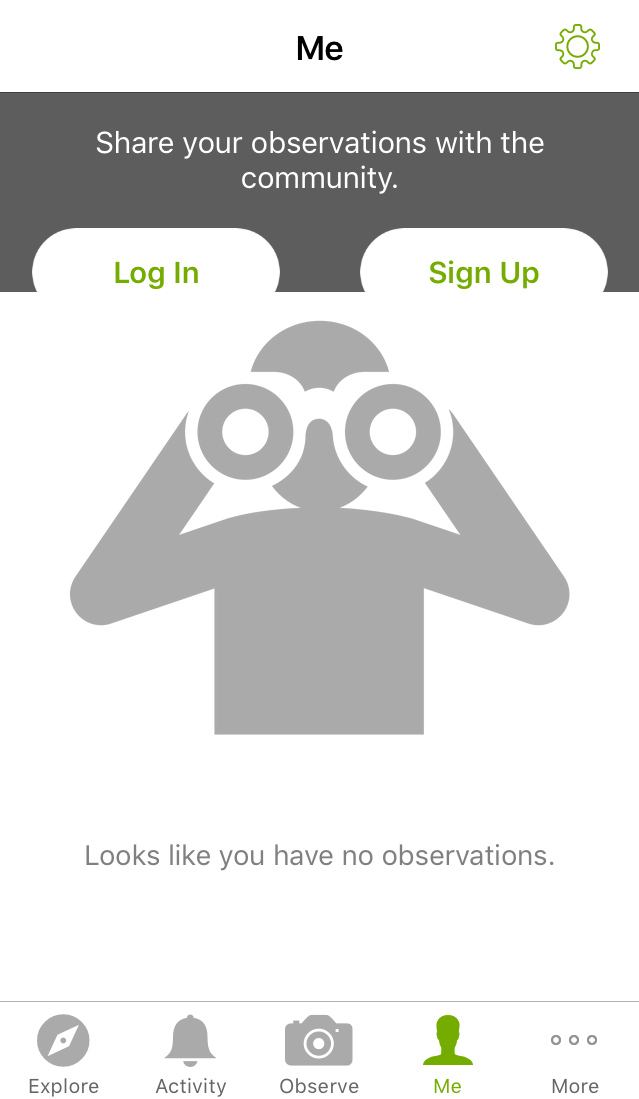
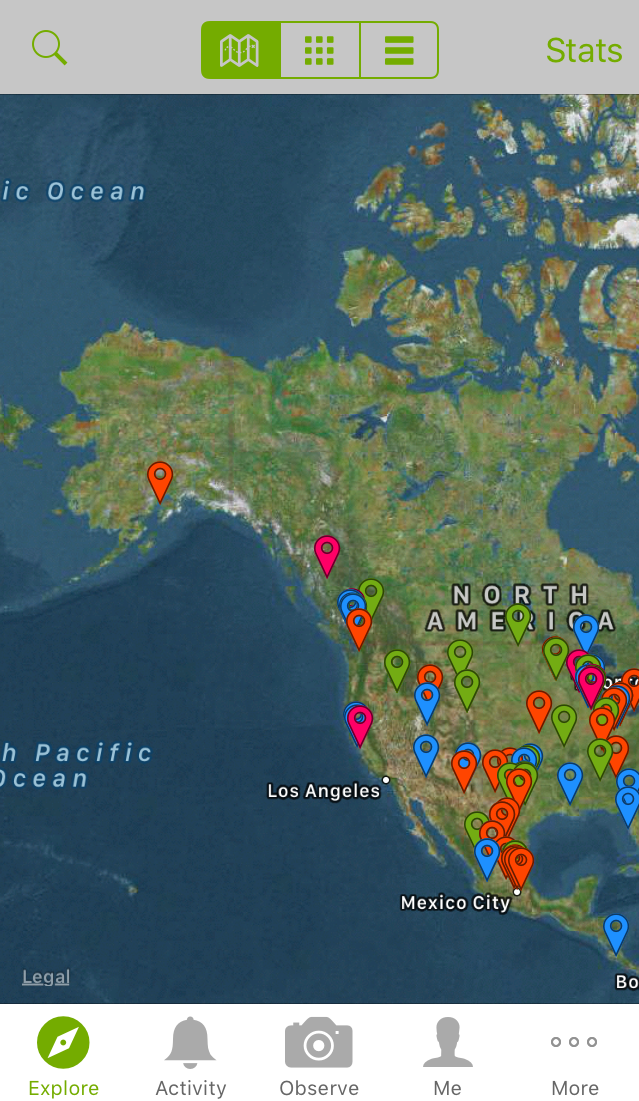
A joint initiative of the California Academy of Sciences and the National Geographic Society, iNaturalist creates an online and global network of naturalists, biologists, and plant-enthusiasts. With the goals to connect people with nature and to create a repertoire of biodiversity data, iNaturalist is a potential entry point for students (and teachers!) into the world of Citizen Science.
Seek by iNaturalist is a tool teachers might consider incorporating in their classrooms, school yard explorations, field trips or home learning opportunities. Seek by iNaturalist utilizes the database of observations from the iNaturalist community and is more geared to students (especially younger students) with a gameified approach to species identification. (No sign up is required to use Seek)
All users need is a mobile device with camera to log observations. With iNaturalist, you can share observations and instantly connect with other community members who are ready to help with species identification or you can record observations offline and upload when you have wifi. With Seek, you can instantly check you ID skills by taking a photo of the plant or insect and compare it to ‘hits’ in the database.
Some cool features of iNaturalist include:
Free of charge
Android and iOS apps available for mobile devices
Cellphone reception and wi-fi coverage are not necessary for iNaturalist observations
Powerful search functions that allow users to browse identifications based on broad classifications and specific species
Automatic identification suggestions that match an uploaded observation with the 10 most visually similar species
Crowdsourcing identification from the iNaturalist community
Available in 35+ different languages
Protection of privacy (users can choose to share an obscured/general location or no location at all); Important for teachers to help students develop their digital literacy by showing them how to turn off location services.
Outdoor education has been increasing highlighted in the BC curriculum (Visit the outdoor learning opportunities blog post on our site). iNaturalist encourages students to to take an active role in their learning through exploring nature at their own pace, uploading their observations, and joining an online community of citizen scientists. Given that iNatualist can be installed on individual mobile devices, students have a lot of freedom with the species they choose to observe and can even take iNaturalist into their backyards, neighborhood walks, and hiking trips.
As well, students can develop their digital citizenship skills through using iNaturalist. There are many learning opportunities within the iNaturalist platform, including but not limited to learning how to take an identifiable photo, improving academic research skills, and engaging with the online community in a safe and responsible manner.
Teacher candidates are invited to check out the teacher’s guide on iNaturalist. Specific protocols and tips address how to maximize the educational potential of the platform and how to responsibly share/store class data. At the bottom of the page, you can find an extensive list of exemples and lesson plans detailing how iNaturalist can be used in the classroom.
Found Poetry is a form of poetry created from existing texts or literature.
Words or phrases are taken out, refashioned, reordered, and presented as poems with new meanings.
Similar to a collage, poetry can be made from newspaper articles, magazines, letters, street signs, speeches, poems, or even textbooks.
Creating found poems can support interdisciplinary learning depending on the vocabulary or topic/theme being explored. We’ll look at two forms of found poetry here: Book Spine Poetry and Blackout Poetry.
Book Spine Poetry
Choose some of your interesting books, or go to the library and choose a few books of interest from a bookshelf, or choose a recommended reading list by a friend.
Arrange the books into stacks (or write down the titles on pieces of paper).
Read the titles on the book spine (the edge of the book)
Start ordering the books in a way that creates the lines of a poem
You might search for more books in your library to fit the theme you are writing on and arrange them in a suitable order to make a flow
Finally, take a photo and share it with your class
There are some interesting examples of book spine poems available online!
Blackout poetry
Blackout poetry is a form of poetry where you select interesting words from an existing text, and block out the rest, creating a new meaning!
With as minimum as one page, you could create a black-out poem!
Simple Steps
Grab a book, newspaper, magazine or novel, or any already existing text
Scan the page first, looking for interesting words.
Using a marker, blackout or redact the words that you would like to eliminate, or another way of doing it, circle the words that strike you or catch your interest, and blackout the rest.
You could add drawings or patterns on the blacked-out area, creating an interesting or outline, or poster.
Check out this website by Austin Kleon for examples of blackout poems.
Wanted to do it virtually without spoiling your new books? Check out this video to learn more about creating blackout poetry through google slides, by changing the background color.
Make your blackout poem come to life: Using a micro-controller like the makey makey and scratch coding, you can even make your blackout poem ‘speak’!
Virtual Platforms for sharing & creation
Nearpod is an interactive online platform for sharing multimedia content with students and collecting students’ responses.
Using Nearpod, you might create and upload your own poetry lessons. The possibilities for exploring various aspects of poetry in a way that many students find approachable and engaging are high with found poems. One might explore mood, structure, poetic devices and more.
Using a collaborative online whiteboard for Student-Paced Lessons, students can post texts and images of their book spine poems and blackout poems, in response to your prompts or questions or based on their own questions or provocations. Teachers and students can also share their feedback depending on the sharing tool selected.
In Fall 2020, project assistant and undergrad student Maryam Begzada shared her passion for poetry with Education students. Maryam integrated poetry from her native land with the found poetry technique in a unique workshop:
Are you looking for an opportunity be heard and listen to others? We are offering a poetry workshop by Maryam on Friday, Oct 23rd, where you listen and speak with your heart. The workshop will start with a poem by Mawlana Jalaluddin Mohammad Balkhi AKA Rumi, the 13th century poet born in Balkh, Afghanistan – the country’s most celebrated literacy figure. His poems cover themes of Sufism, love and acceptance in Persian poetry read around the world. After discussing Rumi’s “Who Says Words With My Mouth?” poem, you will write your own poem (blackout poem)! This workshop will build upon an idea from a workshop we did last year called Blackout Poetry, which is a form of found poetry where you create your own poem selecting interesting words you find from an existing text, and black out the rest. A great way to repurpose old, weeded books and texts in your own library or your school library. You do not want to miss this!